
Getting Started
Welcome to StitchPortTM!
This guide will help you set up your device, troubleshoot common issues, and understand important safety information.
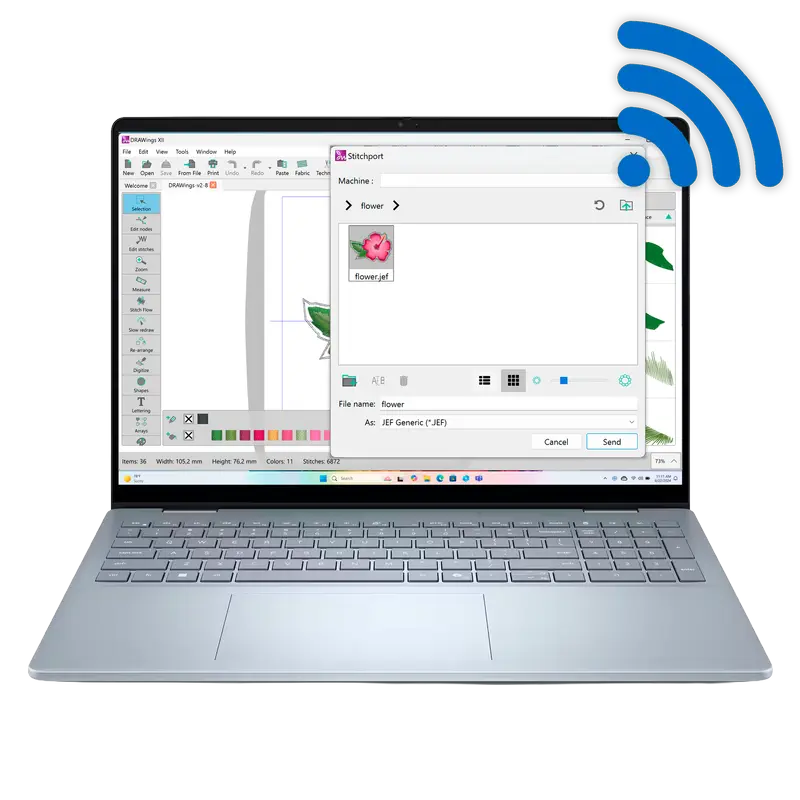
StitchPort™ Quick Installation Guide
New to StitchPortTM? This is the place to start. Our Quick Installation Guide will walk you through the first-time setup, from connecting the device to your embroidery machine to configuring it to join your local Wi-Fi network using “Client Mode” in the software.
How to Re-configure Your StitchPortTM
Is your StitchPort’s status light solid and not blinking? This usually indicates a connection failure, such as an incorrect Wi-Fi password or an unsupported 5GHz network. Our troubleshooting guide provides two easy methods to re-configure your device and get it back online.
Safety Information
Please take a moment to review the essential safety guidelines for your StitchPortTM. This information covers proper operating environments, handling, cleaning, and data management to ensure long-lasting, safe operation and to prevent device damage or data loss.
How to Update Your StitchPortTM Firmware
Your StitchPort’s software, or “firmware,” may receive updates to improve performance or add new features. This guide provides the complete step-by-step process for updating your device, which involves connecting it to your computer in a special mode and copying the new firmware file.